
Admin Console & Settings
Once the Identity System is integrated into your application, you can manage your users and configure authentication policies directly from the Crate Console.
When the Identity module is enabled, a new Identity section will appear in your organization sidebar.
1. Metrics Dashboard
The Metrics Dashboard provides real-time insights into your authentication traffic and user adoption.
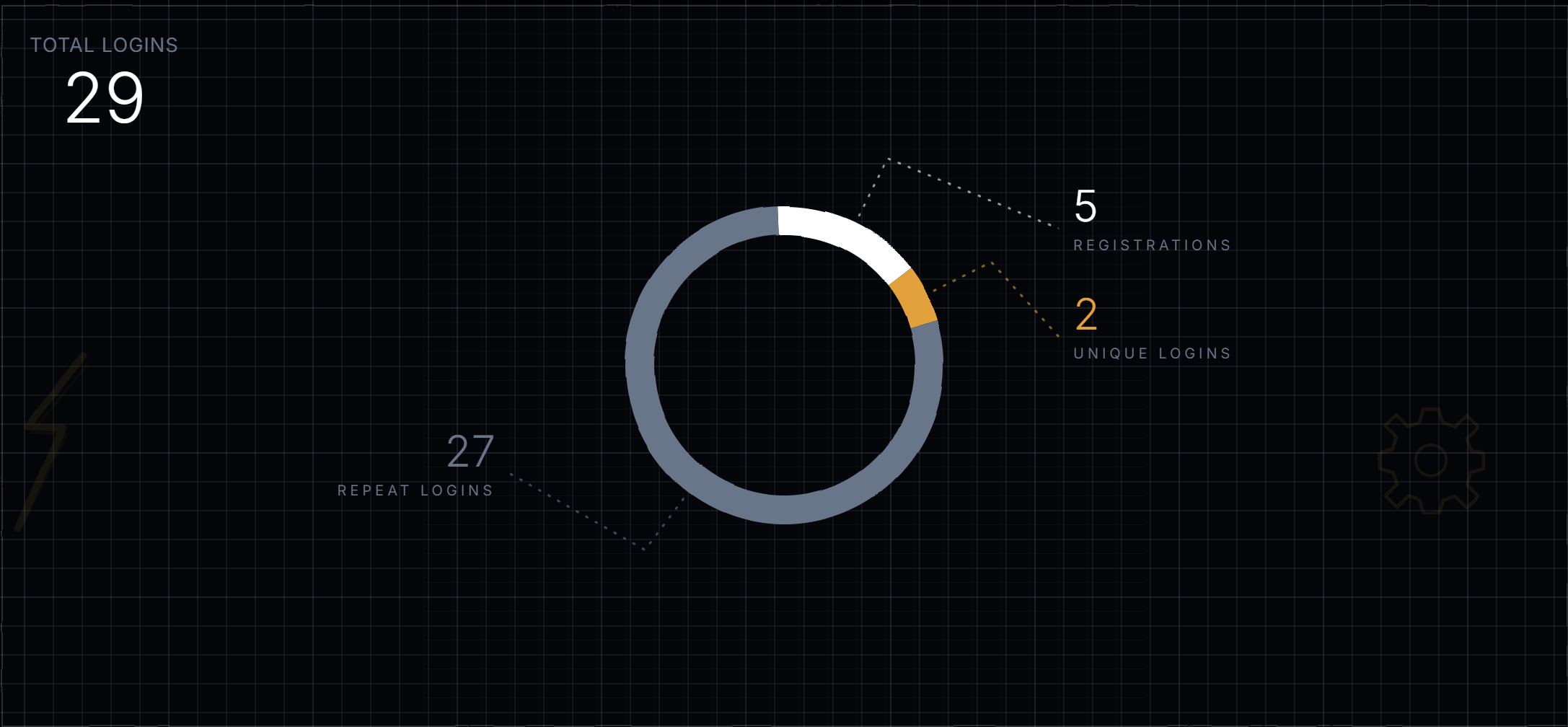
Key metrics available:
- Total Logins: The total number of authentication events across your organization.
- Unique Logins: The count of distinct individual users who have logged in.
- Registrations: The number of newly created identities in your system.
2. User Management
The Users tab provides a comprehensive list of all identities registered to your application.
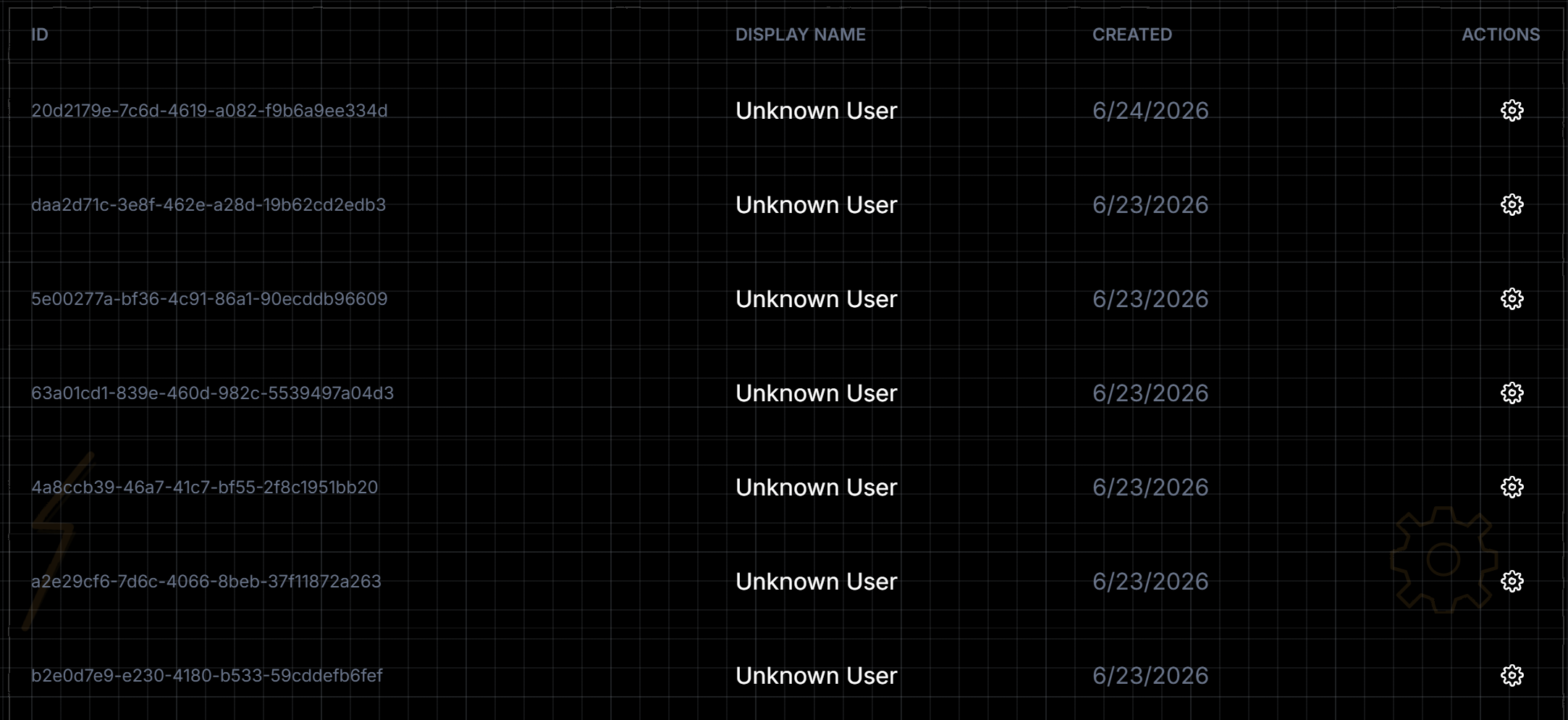
From the User Management interface, administrators can:
- View User Details: See a user’s linked authentication methods (e.g., number of registered passkeys), creation date, and last login time.
- Revoke Credentials: If a user loses a device or suspects it has been compromised, administrators can manually revoke specific credentials associated with the user’s identity.
3. Identity Settings
The Settings tab allows you to configure strict security policies and define the behavior of your authentication flows.
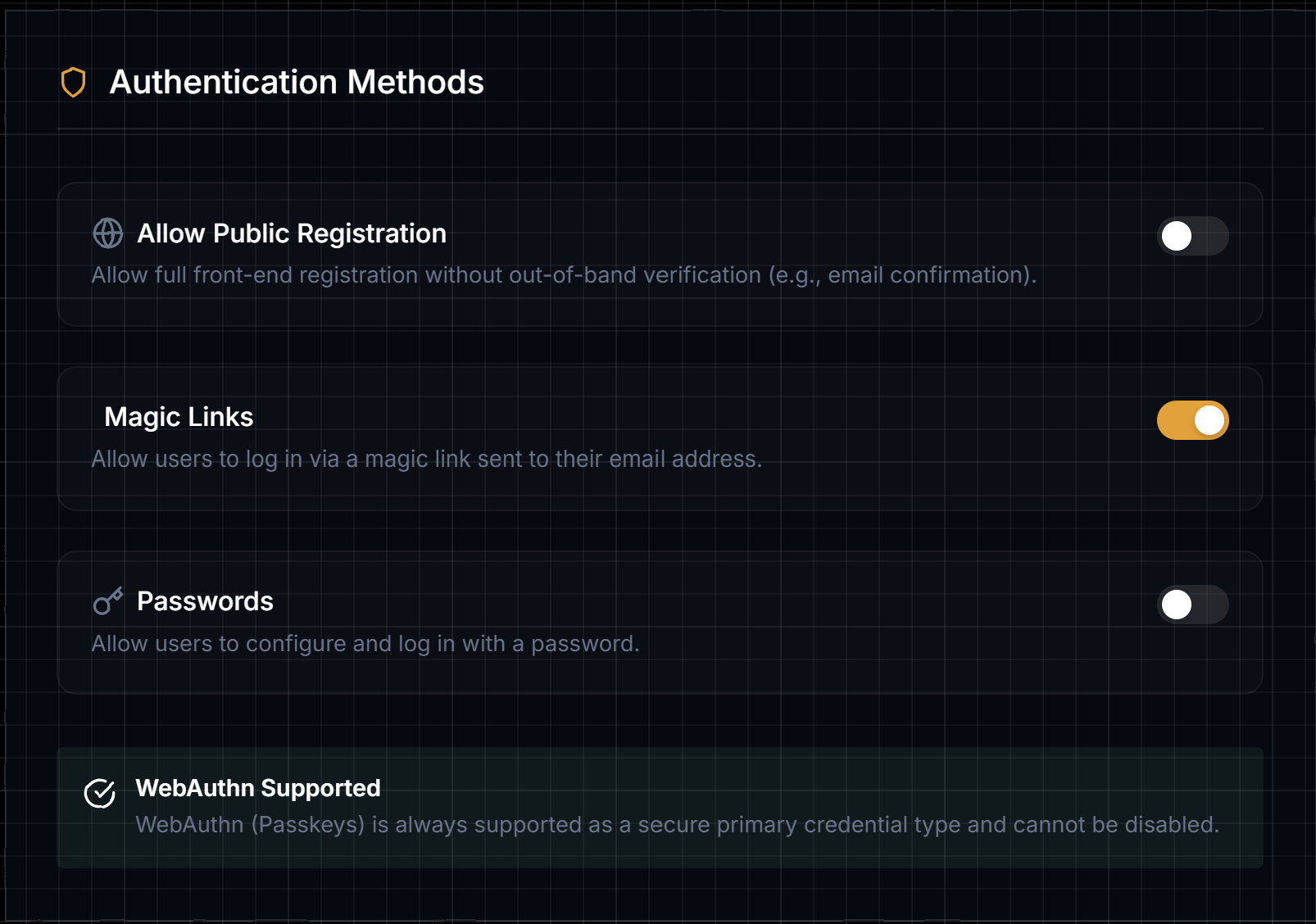
Password Policies
If you choose to support traditional passwords, you can enforce specific complexity requirements:
- Minimum password length (default: 8 characters).
- Require uppercase letters, lowercase letters, numbers, and special characters.
- Prevent the reuse of previous passwords.
Magic Link Configuration
Control the lifecycle and security of your passwordless email flows:
- Token Expiration: Define how long a Magic Link remains valid after it is generated (default: 15 minutes, maximum: 24 hours).
- Single-Use Enforcement: Ensure that Magic Links are automatically invalidated the moment they are clicked.